
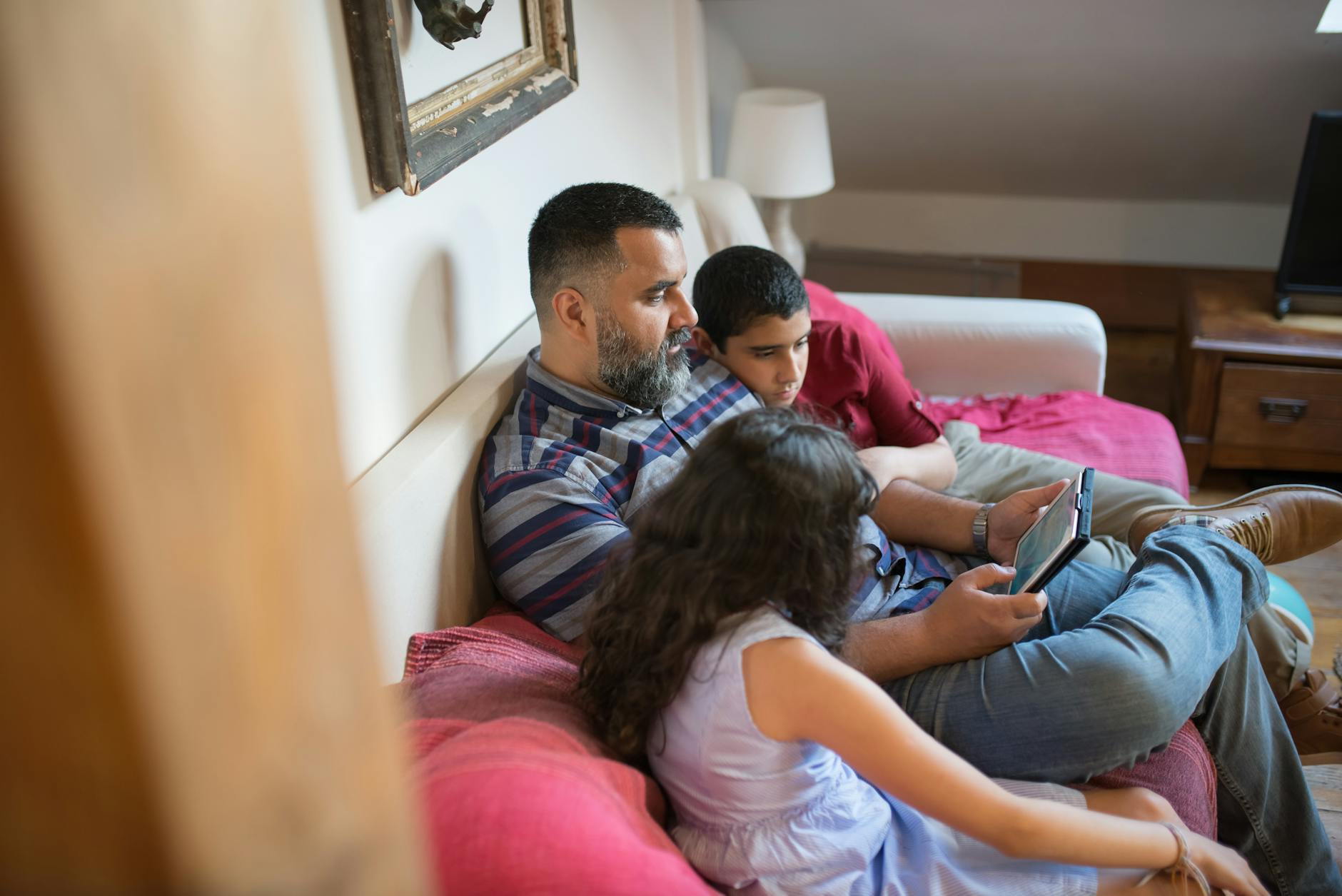
Kids Screen Time: The Complete Parent Guide That Actually Works
Your kid had a full meltdown when you turned off the iPad. You’re exhausted, they’re screaming, and you’re quietly Googling “how much kids screen time is too much” at 8pm while they finally settle down. You’re not alone — and you’re not failing. Kids screen time is one of the most debated topics in parenting right now, and most of the advice out there swings between “ban it all” and “don’t worry about it.” Neither extreme actually helps. This is the complete guide to kids screen time.
Table of Contents
What the Research Actually Says About Kids Screen Time
Here’s the honest version: the research on kids screen time is more nuanced than the headlines suggest. Screens are not automatically harmful. What matters — according to the American Academy of Pediatrics — is the type of content, the context in which kids watch, and whether screens are displacing sleep, movement, or real connection.
The AAP stopped issuing rigid hourly limits for children over 5 for a reason. Their current guidance focuses on quality over quantity. A child watching an educational documentary with a parent who pauses it to talk about what they’re seeing is having a fundamentally different experience than a child alone in a room bingeing passive content for four hours. Both involve screens. Only one is a problem.
What the research does consistently flag is passive, solo, background screen time — especially when it runs without natural stopping points. This kind of use has been linked to shorter attention spans, more difficulty with transitions, and disrupted sleep patterns. It’s not the device. It’s the structure (or lack of it) around the device.
The other finding worth knowing: content designed to keep kids watching — autoplay, infinite scroll, algorithmically served videos — is specifically engineered to override the brain’s natural stopping signals. That’s not a parenting failure. That’s product design. Understanding that makes it easier to build systems that work with your kid’s brain, not against it.

The Most Common Screen Time Mistakes Parents Make
Most screen time battles come from a handful of patterns that are totally understandable — and fixable once you see them.
Treating all screen time the same. A kid watching a show about how bridges are built is not doing the same thing as a kid watching a YouTube channel that auto-plays toy unboxing videos for 90 minutes. When parents lump all screen time together, they either over-restrict (and create more desire for the banned thing) or under-restrict (because it all feels fine). The type of content matters enormously.
No structure means constant negotiation. When screen time is available on demand, every session ends in a battle. The child doesn’t know when more is coming, so they resist every transition off. When there’s no clear system, every “turn it off” becomes a power struggle — not because your kid is difficult, but because uncertainty is stressful for kids. Structure removes the ambiguity that makes every transition a fight.
Going cold turkey after a long period of unlimited access. If screens have been a constant presence and you suddenly cut them sharply, expect a rough transition. It’s not proof that your kid is addicted. It’s a normal reaction to a sudden change in expectations. Gradual shifts with clear communication work much better than hard stops.
Responding to the meltdown by giving screens back. This one is hard in the moment, but it matters. If the meltdown works — if turning the screen back on is what stops the crying — the lesson the child learns is that the meltdown is the right strategy. Holding the boundary while staying calm is the harder path, but it’s the one that builds a different pattern over time.
Kids Screen Time by Age — Practical, Not Preachy
These aren’t rigid rules. They’re starting points you can adapt to your family.
Under 18 months: The AAP recommends avoiding screen use other than video chatting. Infant brains need real-world interaction to develop language and social skills. Even “educational” content for this age group has limited evidence of benefit.
18 months to 2 years: High-quality programming can begin here — but only with a parent watching alongside and talking through what’s on screen. The conversation is the learning.
Ages 2–5: Up to one hour per day of high-quality content. Co-viewing when possible. Watch for shows that model language, problem-solving, and social skills. Common Sense Media is a great resource for age-appropriate ratings.
Ages 6–8 (the most relevant range for Atlas HQ families): The AAP recommends consistent limits on time, ensuring screen use doesn’t crowd out sleep, physical activity, homework, or real connection. For this age group, structure matters more than a specific hour count. A child who gets one hour in a clearly defined slot — and then moves on — is in much better shape than a child who gets two hours with no transition plan.
The Child Mind Institute notes that what parents should watch for is not the clock, but the behavior around screens: Is your child able to stop when asked (most of the time)? Do they bounce back to other activities after turning off? Are they sleeping well and staying connected to friends and family? If yes, you’re probably in good territory. If screens are the only thing they want and every transition is a crisis, that’s worth addressing — not with a ban, but with structure.
How to Build Your Family’s Screen Time System
This is where real change happens. Not rules — systems.
1. Watch With Purpose (Not Just Permission)
The first shift is moving from “is this okay to watch?” to “what are we watching and why?” Train shows that explore different countries, cooking shows aimed at kids, programming about how things are made — these aren’t passive entertainment. They’re conversations waiting to happen. When you sit down with your kid and engage with what’s on screen, you’re not just supervising. You’re learning alongside them.
This doesn’t mean every session needs to be educational. It means being intentional about what fills the screen time slot you allow — and making sure it’s not just whatever autoplay throws up next.
2. Put Screen Time Inside a Routine
Screen time becomes a battle when it’s always available and always negotiable. When it’s a scheduled activity — a specific slot in the day, the same way soccer practice or homework time has a slot — it stops being a constant point of contention. Kids who know exactly when screens happen stop spending all day lobbying for them. The uncertainty is what drives the behavior.
You don’t need a rigid minute-by-minute schedule. You need a predictable structure. “After dinner and before bath” is a slot. “Saturday morning while we make breakfast” is a slot. Screens that live inside a routine stop feeling like something to be grabbed and hoarded.
3. Give a Heads-Up Before the Transition
For kids who struggle with abrupt change — and many school-age children do, especially those who are highly engaged in whatever they’re doing — the problem isn’t the screen. It’s the surprise. A sudden “turn it off now” triggers the same stress response as being interrupted mid-sentence. It feels unfair, even when it isn’t.
A five-minute warning changes the experience. “In five minutes we’re turning it off and heading outside” gives the child’s brain a chance to start winding down. Some kids need this more than others. For the ones who really do, it’s worth building into the routine every time. You’ll see the difference quickly. For more on helping kids with difficult transitions, our post on emotional regulation in children has specific strategies for the wind-down moment.
4. Curate Before You Permit
Spend ten minutes before you hand over the device setting up what’s available. Close the browser. Set up a playlist. Pick the show before you walk away. This is the highest-leverage parenting move in the whole screen time conversation — because it removes the “what should I watch next” scroll that burns ten minutes and leads to lower-quality content choices.
5. Make the Off-Screen Alternative Worth Moving Toward
“Go play” isn’t a destination. A specific activity waiting is. If there’s a puzzle half-built on the table, a snack ready in the kitchen, or a parent who’s about to start something the kid can join — the transition off screen becomes easier. Screens are hard to leave when there’s nothing clear on the other side. Give them something worth moving toward.
6. Don’t Punish With Screens, and Don’t Reward With Screens
Using screen time as a reward (“if you finish homework you get thirty minutes”) or removing it as a punishment creates a dynamic where screens become the most valuable thing in the house. The more you elevate their status, the harder they are to manage. Keep screens as a normal part of the routine — present, scheduled, and finite — not as the thing being dangled or taken away.
For more on building routines that make daily life more predictable for kids, see our complete guide to morning routine for kids. The same principles apply to screen time structure.
7. Review Quarterly, Not Daily
Your system will need adjusting as your kid grows, their interests shift, and the content landscape changes. Build in a low-key quarterly check-in with yourself: Is screen time fitting well inside the routine? Are transitions mostly okay? Is the content still serving them? Adjust from there. This isn’t a set-it-and-forget-it thing — but it also shouldn’t require daily policing.
The Screen Time Battle in Our House — And What Actually Fixed It
I’m going to be honest: I didn’t set out to build a deliberate screen time system. It kind of happened by accident, and what I learned from it shapes how I think about this.
My oldest daughter is six. She’s headstrong, perceptive, and has never loved abrupt transitions — this has been true since her preschool teachers told me she had a hard time moving from station to station. Screens are no different. There have been times when the iPad or the TV goes off and she melts down. Not every time. But it happens enough that I paid attention.
Here’s what I noticed: the meltdowns happened most when screens had been available without any structure around them. When she could have them whenever, turning them off felt like an arbitrary act of cruelty. But when screens had a natural place in the day — after Taekwondo practice, for a bit while her hair was being done — she moved off them more easily. Not perfectly. But the frequency of the hard moments dropped significantly.
We don’t have TV on weekdays. That wasn’t a deliberate rule we set down one day. It just kind of evolved — and what surprised me was how little she pushed back on it, because it became normal. Her tablet? Half the time neither of us can find it. It’s not hidden. It’s just not the center of the house. And because it’s not always available, it doesn’t hold that “grab it before it’s gone” energy.
When she does watch, we’re intentional about it. She loves baking shows made for kids. We’ve sat together watching shows about trains traveling through different countries — the kind where you actually learn something about the geography and the culture. We’ve watched How It’s Made more times than I can count. That kind of content is fine with me, because it doesn’t just consume her attention. It directs it somewhere real.
The thing that actually fixed the tension around screens wasn’t a rule. It was structure. Screens as a scheduled activity — same as homework, same as playtime — rather than a constant option to be granted or refused. When kids know when something is coming and when it ends, the negotiation mostly goes away. Not completely. But mostly.
How Atlas HQ Helps with Kids Screen Time
The Routines feature in Atlas HQ was built around exactly this idea: that kids do better when they know what’s coming next. Not because we’re trying to control their day down to the minute, but because predictability reduces the friction around every transition — including off-screen transitions.
The way we use it: screen time is a slot in the routine, the same way homework is. It has a start and an end that the kids can see. When they can look at the routine and see “okay, screen time is from 4:00 to 4:30 and then we’re having dinner,” the turning-off moment isn’t a parent imposing a rule. It’s just what happens next. That shift in framing — from “you have to stop” to “this is what comes next” — makes a real difference.
Frequently Asked Questions
How much screen time is too much for a 6-year-old?
The American Academy of Pediatrics recommends consistent limits for school-age children without specifying an exact hour count. For most 6-year-olds, one to two hours of intentional, structured screen time per day is a reasonable range. What matters more than the clock is whether screens are interfering with sleep, movement, homework, or real connection. If those things are intact, you’re likely in good territory.
What’s the best way to get kids off screens without a meltdown?
The most effective approach is a combination of advance warning and a clear “what comes next.” Give a five-minute heads-up before the transition, and make sure there’s something worth moving toward on the other side — a snack, an activity, or a parent to do something with. For kids who consistently struggle with transitions off screens, building predictable limits into the daily routine (so it’s never a surprise) makes the biggest difference over time.
Is all screen time equal, or does content matter?
Content matters enormously. Educational or interactive content — shows that teach something, apps that build skills, content you watch together and talk about — is not the same as passive, algorithmically-driven content designed to maximize time-on-screen. The goal isn’t to count minutes. It’s to be intentional about what fills those minutes.
What if my kid only wants screens and nothing else?
This is usually a sign of two things: screens are more stimulating than the alternatives currently on offer, and there’s no structure around when they’re available. Start by making the off-screen environment more engaging — specific activities, more connection time, things worth doing. At the same time, build predictable screen time slots so screens stop feeling like something to be grabbed whenever possible. The hoarding behavior typically fades when screens become a normal, scheduled part of the day rather than an unpredictable treat.
Does screen time cause behavior problems in kids?
Certain kinds of screen time — particularly long, unstructured, passive sessions — have been associated with more irritability and difficulty with self-regulation. But the relationship isn’t as simple as “screens cause behavior problems.” Kids with big emotions often gravitate toward screens as a soothing mechanism, which means the behavior problems and the heavy screen use may both be downstream of the same root issue. Addressing structure, sleep, and emotional regulation tends to change the whole picture — including the screen time dynamic. Our complete guide on defiant child behavior covers more of this territory.
All Screen Time Resources
These cluster posts go deeper on specific screen time challenges. As they publish, this list will grow.
- How to Get Kids Off Screens Without a Meltdown *(coming soon)*
- Is My Child Addicted to Their Phone? *(coming soon)*
- Why Kids Have Meltdowns When You Take Away the iPad *(coming soon)*
- Is Too Much Screen Time Causing Your Child’s Behavior Problems? *(coming soon)*
- How Much Screen Time Is Actually Too Much? *(coming soon)*
- Video Game Addiction in Kids *(coming soon)*
- What Social Media Is Actually Doing to Your Kid’s Brain *(coming soon)*
- How to Create Phone-Free Family Time *(coming soon)*
End the screen time battle before it starts
Atlas HQ helps your family set clear, consistent screen limits — the kind your kids actually respect because they can see them coming.
See how it works →You won’t get this right every day. Some nights the iPad runs long, some weekends the routine goes out the window, and that’s fine. The goal isn’t a perfect screen time policy — it’s a system that makes the good days easier and keeps the hard days from derailing everything. Build the structure, stay flexible, and adjust as you learn what works for your specific kid. Drop your experience in the comments — I read every one.
[…] For more on managing technology with school-age kids, check out our complete guide to kids screen time. […]
[…] is just part of the day. For a deeper look at building screen time into a full daily routine, our complete guide to kids screen time walks through the structure we […]
[…] it, you can actually do something about it. If you want the full picture on screens and kids, our complete guide to kids screen time is a good place to […]
[…] are in the right place. For the full picture on why screen time is so hard to manage, check out our complete guide to kids and screen time. This post focuses specifically on the research-backed guidelines — and what they actually mean […]